


1
Point
Aim your camera at any document. Raqeemly detects the edges in real time.
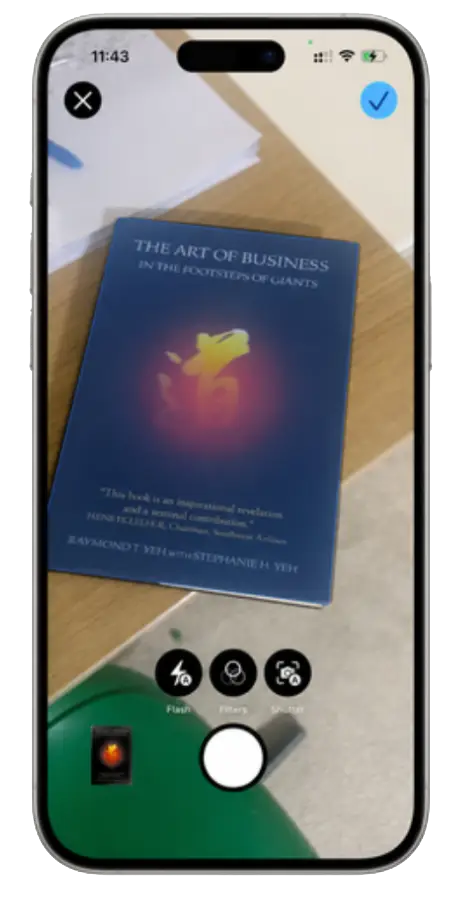
Raqeemly scans your documents on your phone- detects edges, removes shadows, extracts text, and saves searchable PDFs. All on-device.
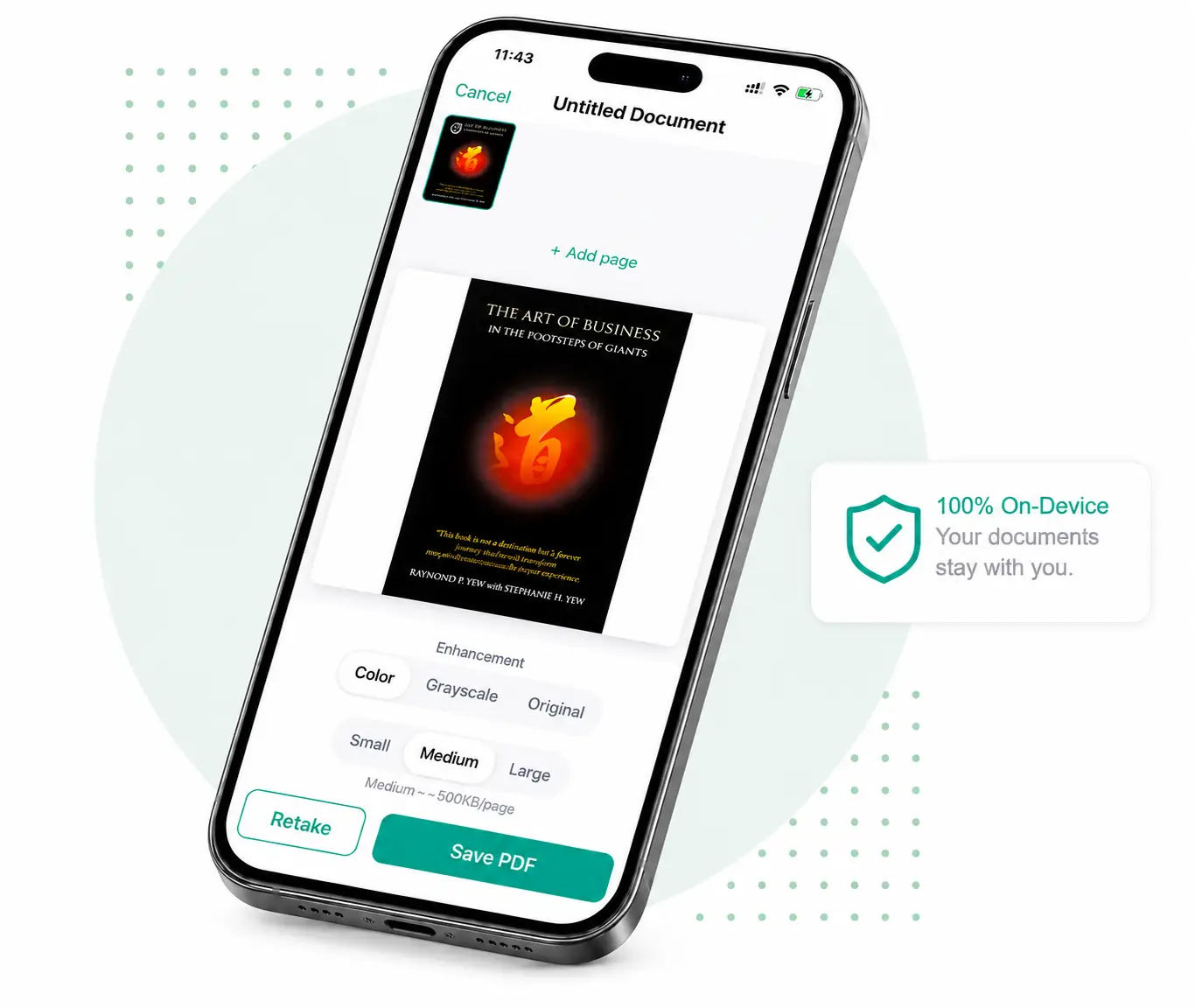
Aim your camera at any document. Raqeemly detects the edges in real time.
We straighten, crop, and enhance your image automatically removing shadows and distortion.
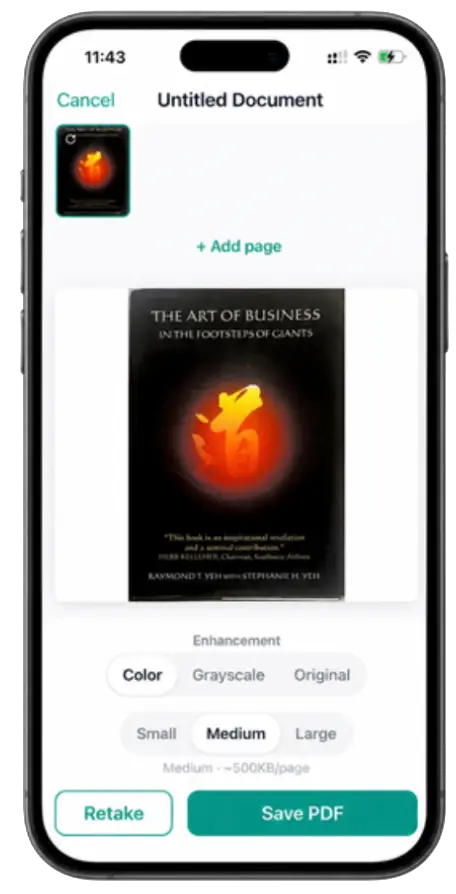
Text is extracted so you can search your documents instantly.
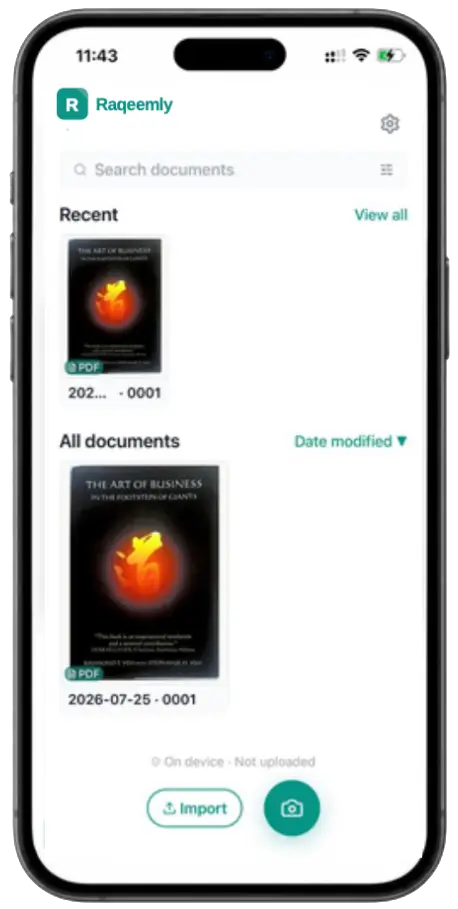
Edge detection, perspective correction, enhancement, OCR, and PDF creation happen on your device.
Raqeemly reads the text in your documents so you can find what you need, fast.
No internet required for scanning, OCR, or search. Try airplane mode.
Your documents never leave your device. You decide what to share.
TECHNICAL DETAIL
When you purchase Organize, Raqeemly makes a single request to verify your purchase with RevenueCat. That's all.
Learn more in our Privacy Policy →Raqeemly only needs this check to confirm that your one-time Organize purchase is valid and to unlock the upgraded scanning limits on your device. It is not used to build a profile, track your documents, or move your files anywhere else.
RevenueCat handles purchase validation so the app can confirm App Store or Google Play receipts reliably. That keeps the upgrade flow simple while avoiding any account system inside Raqeemly itself.
The request is limited to the purchase receipt and the minimal device-related identifiers needed to verify it. Your scans, OCR text, folders, and document contents are not part of that request.

The scanner is free to use. Upgrade to Organize once to remove the 5-page batch limit and unlock unlimited scanning.